Agenda Timbro
When this happensYou add up time cards by hand. You do not know who worked how many hours until month end.
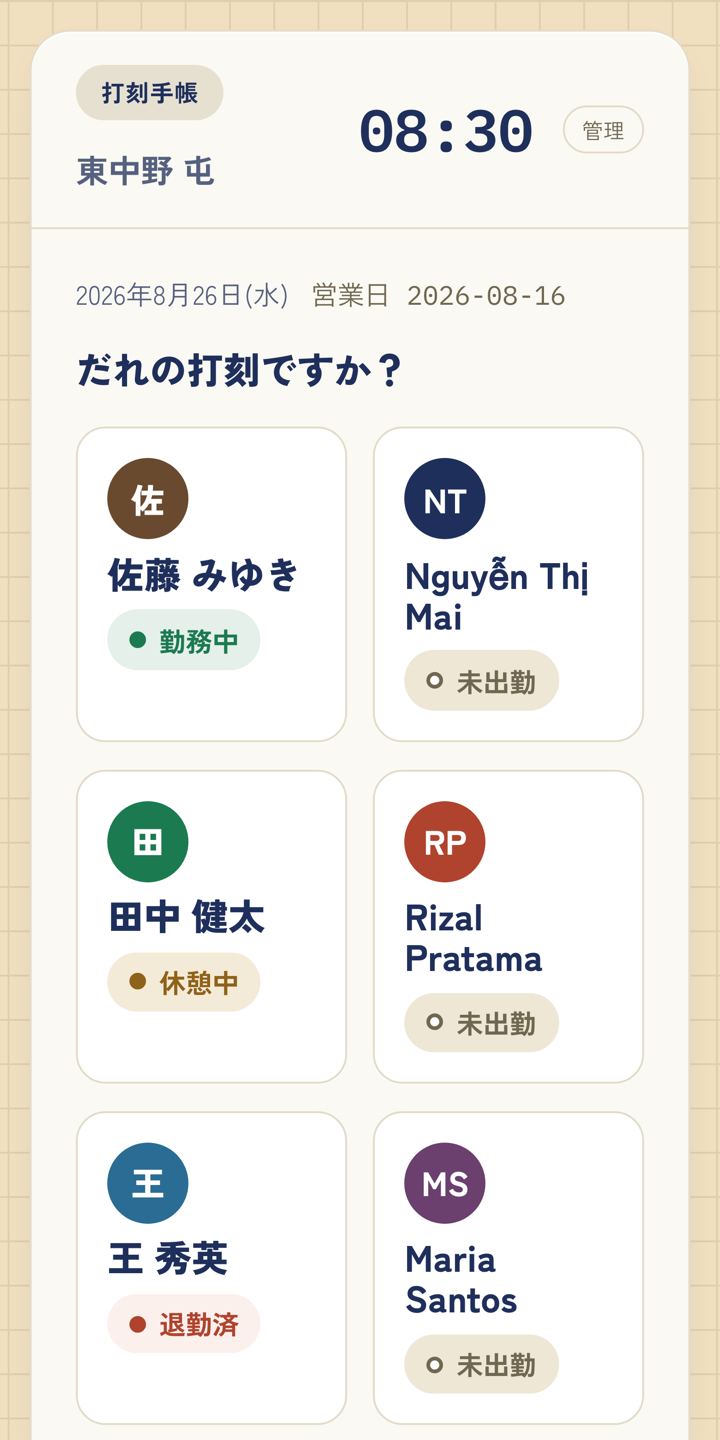
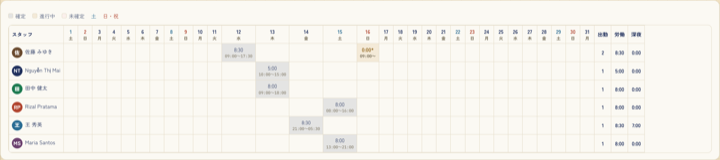
Staff clock in and out on a shared device in the shop, or on their own phones. Overnight shifts and break deductions are calculated automatically. Once you close the month, it exports in a form you can use for payroll.
Actual screens
Getting started
- 1Register your shop and start the free period
- 2Invite your staff; they clock in on a shared device or their own phone
- 3Close the timesheet at month end and export the data for payroll